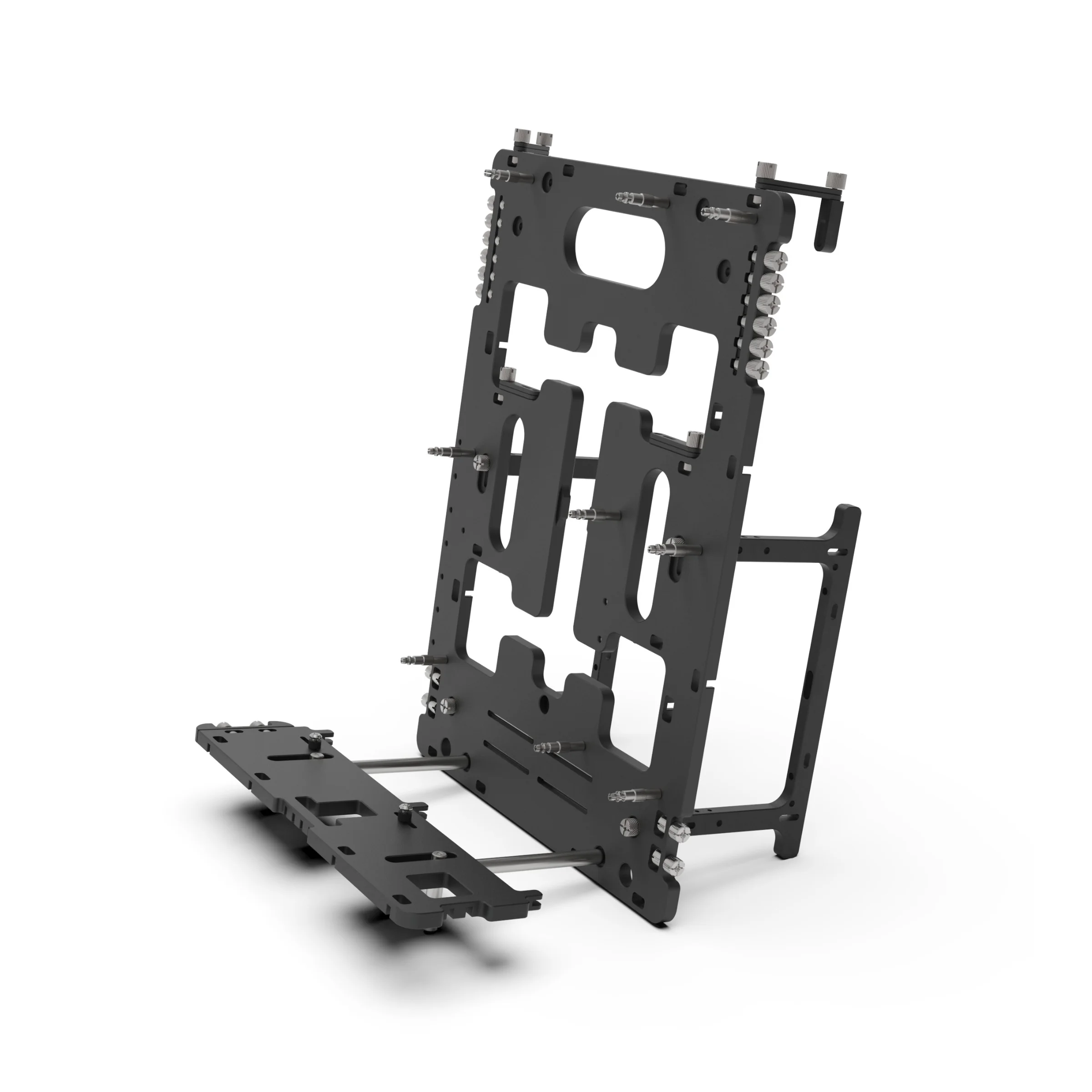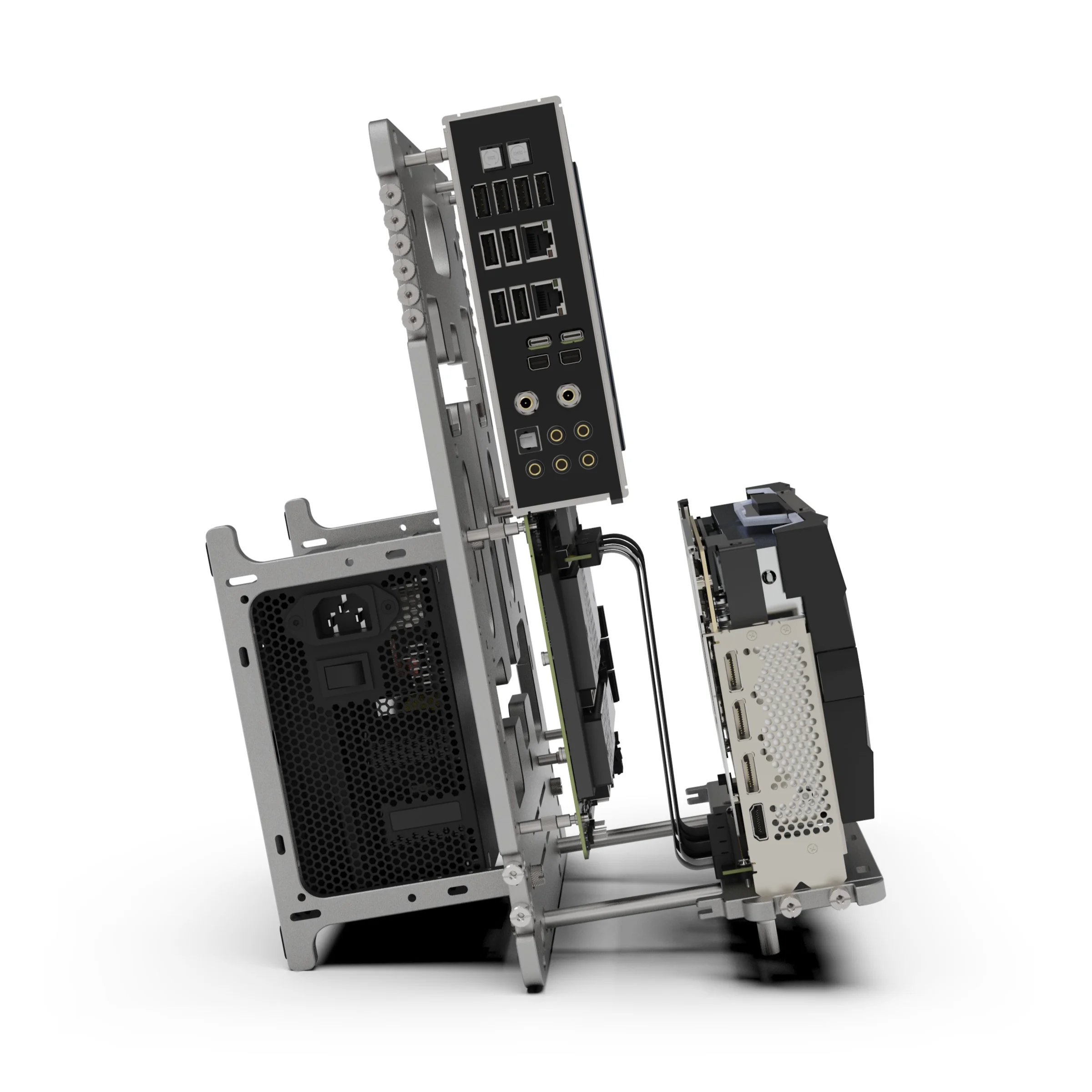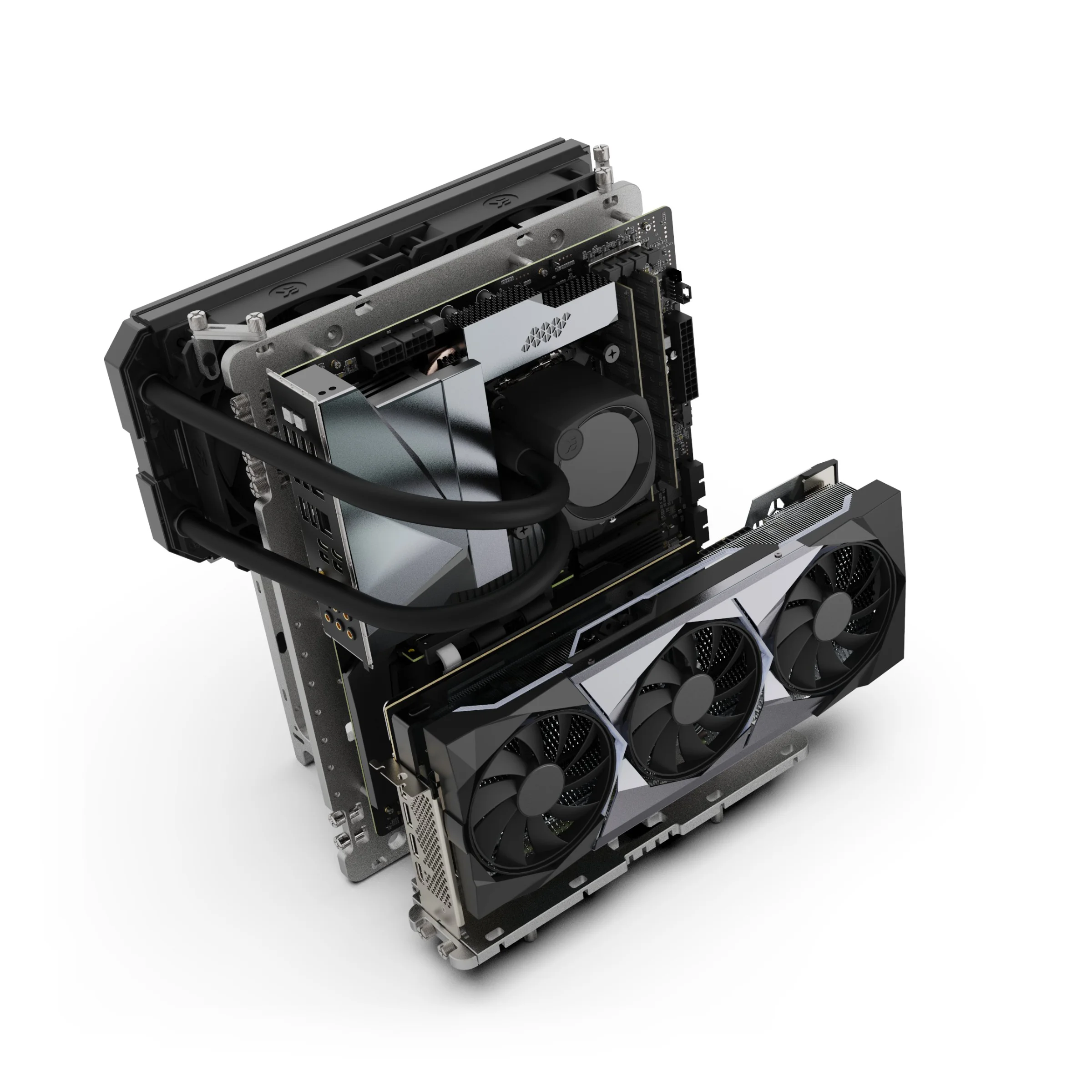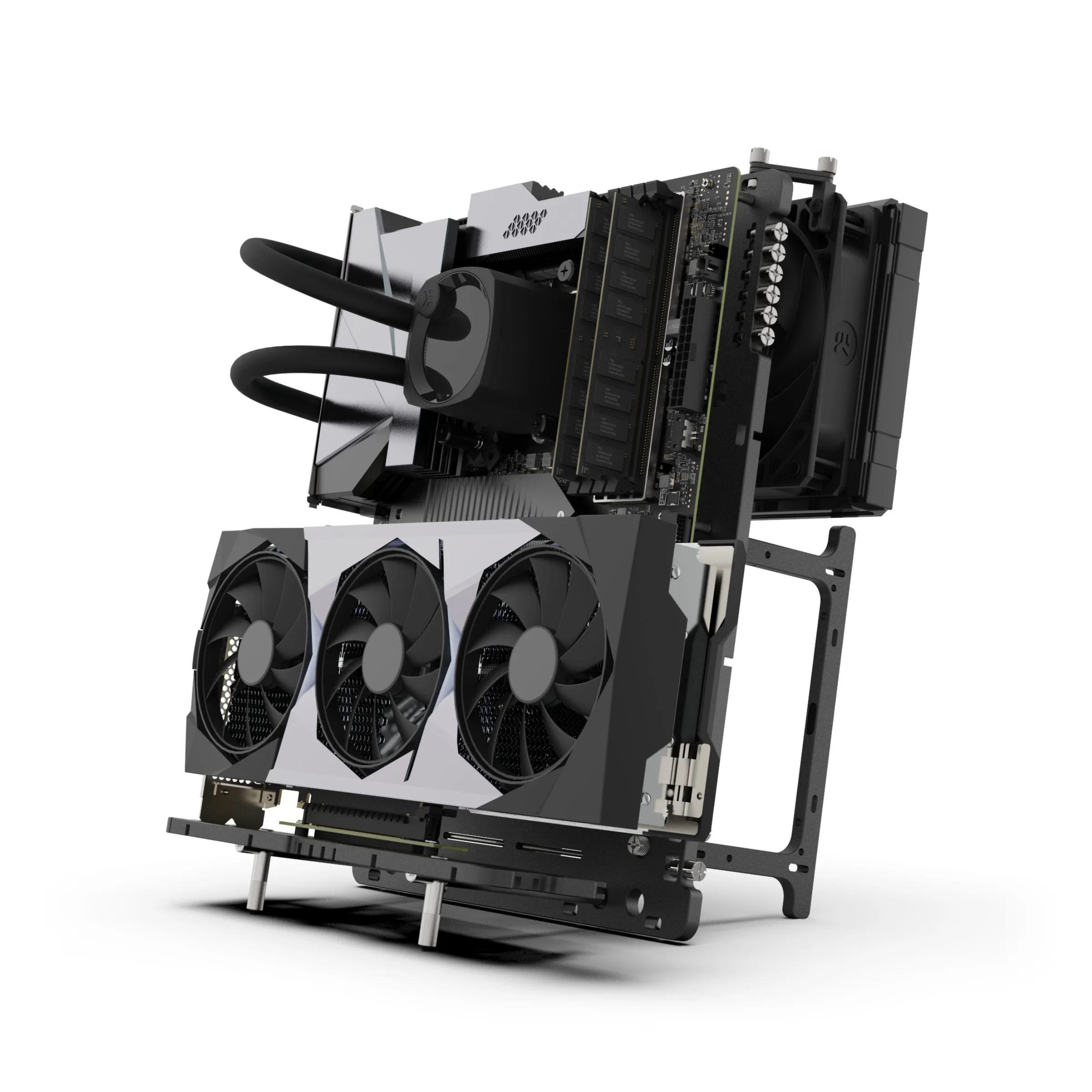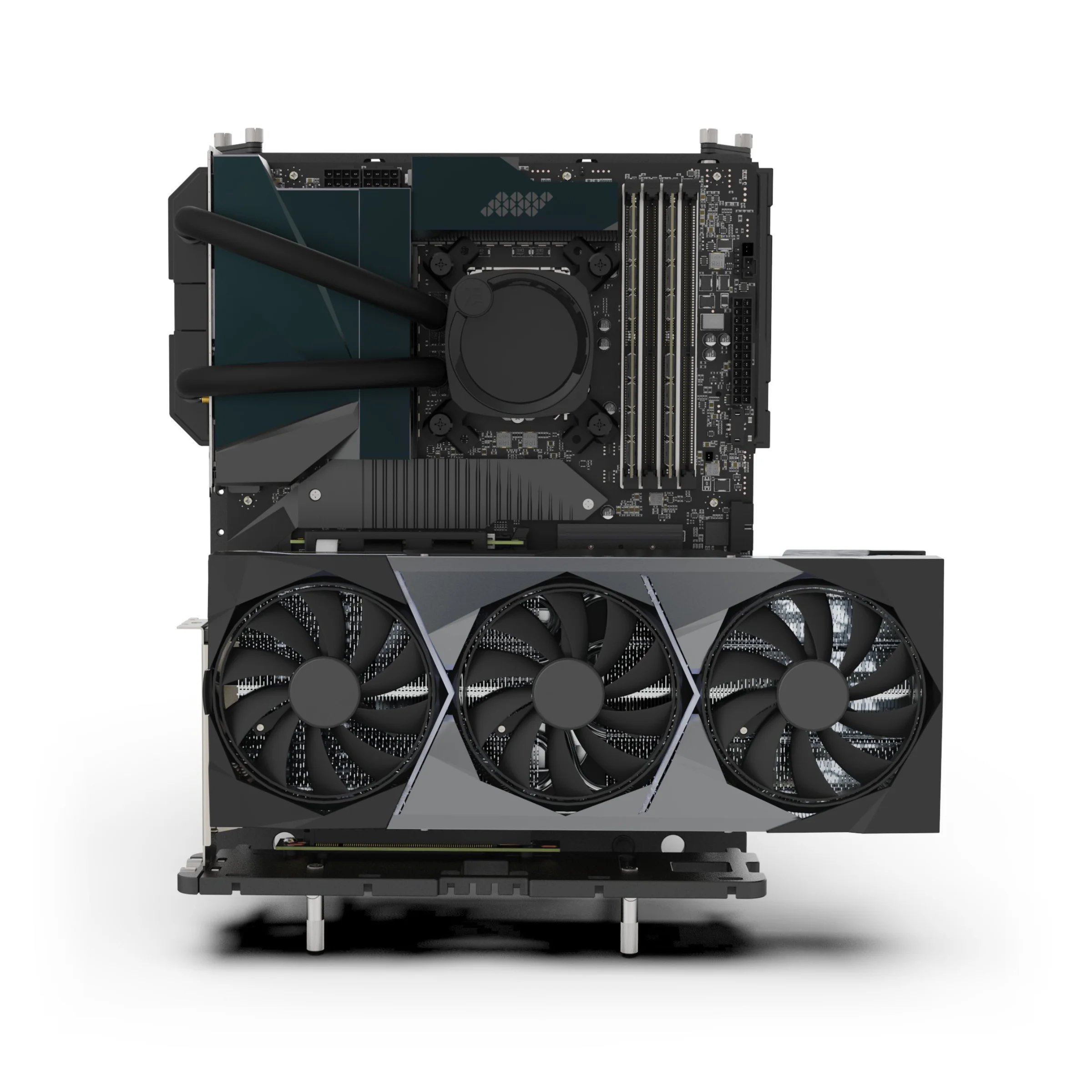
- Can I still install 2.5" or 3.5" drives when using the BC1 V2 in a vertical orientation?Due to the placement of the PSU when in vertical mode, its not possible to mount any drives in the standard drive locations, you will be limited to using m.2 style storage or fabricate an alternative solution for mounting drives.
- Can I used this with my BC1 V1 (or V1.1) ?Whilst the feet hole spacing has remained the same for BC1 V1 (V1.1) compared to the V2, previous generations don't features a vertical mode, so the feet can not be moved to the vertical support location to provide the required stability.
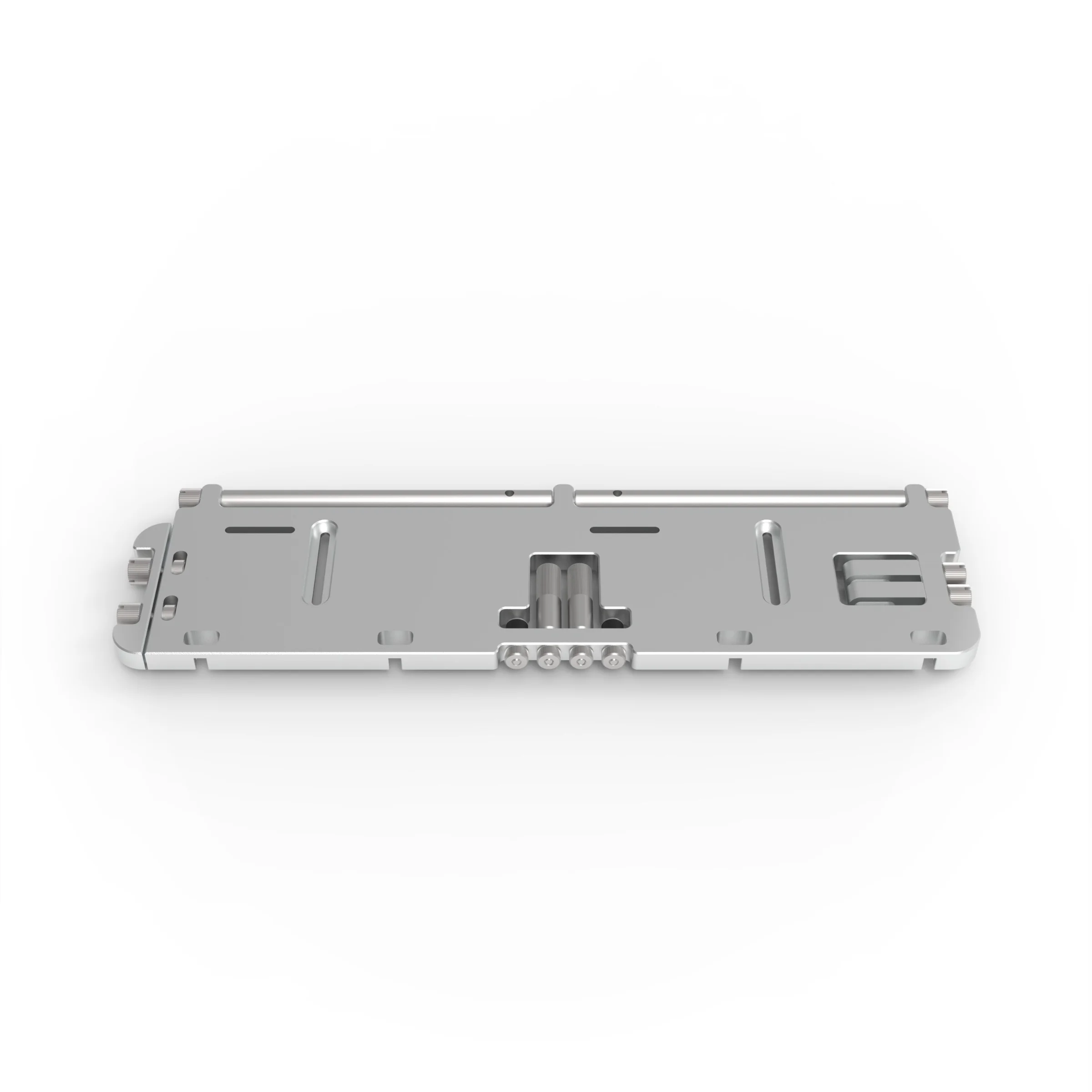
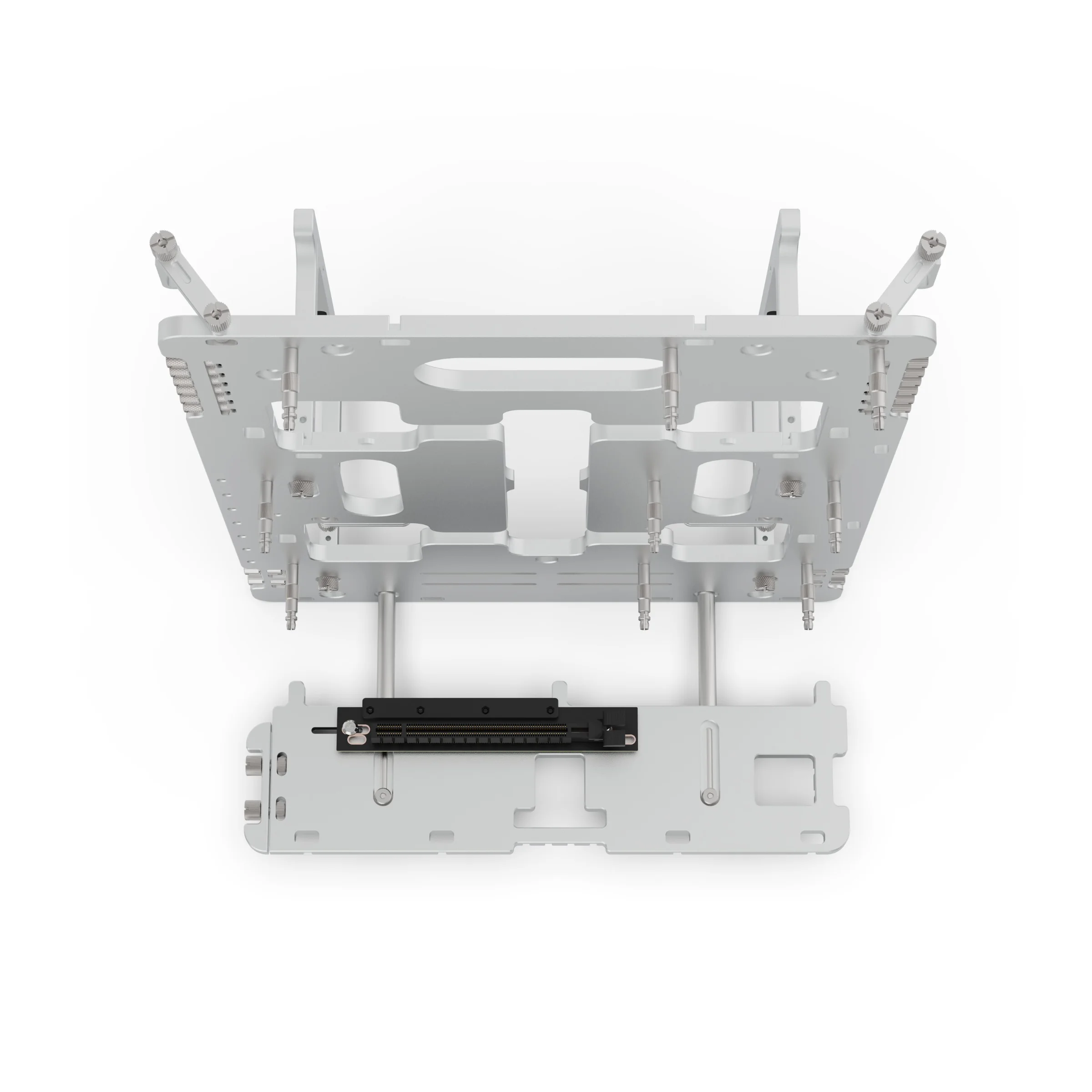
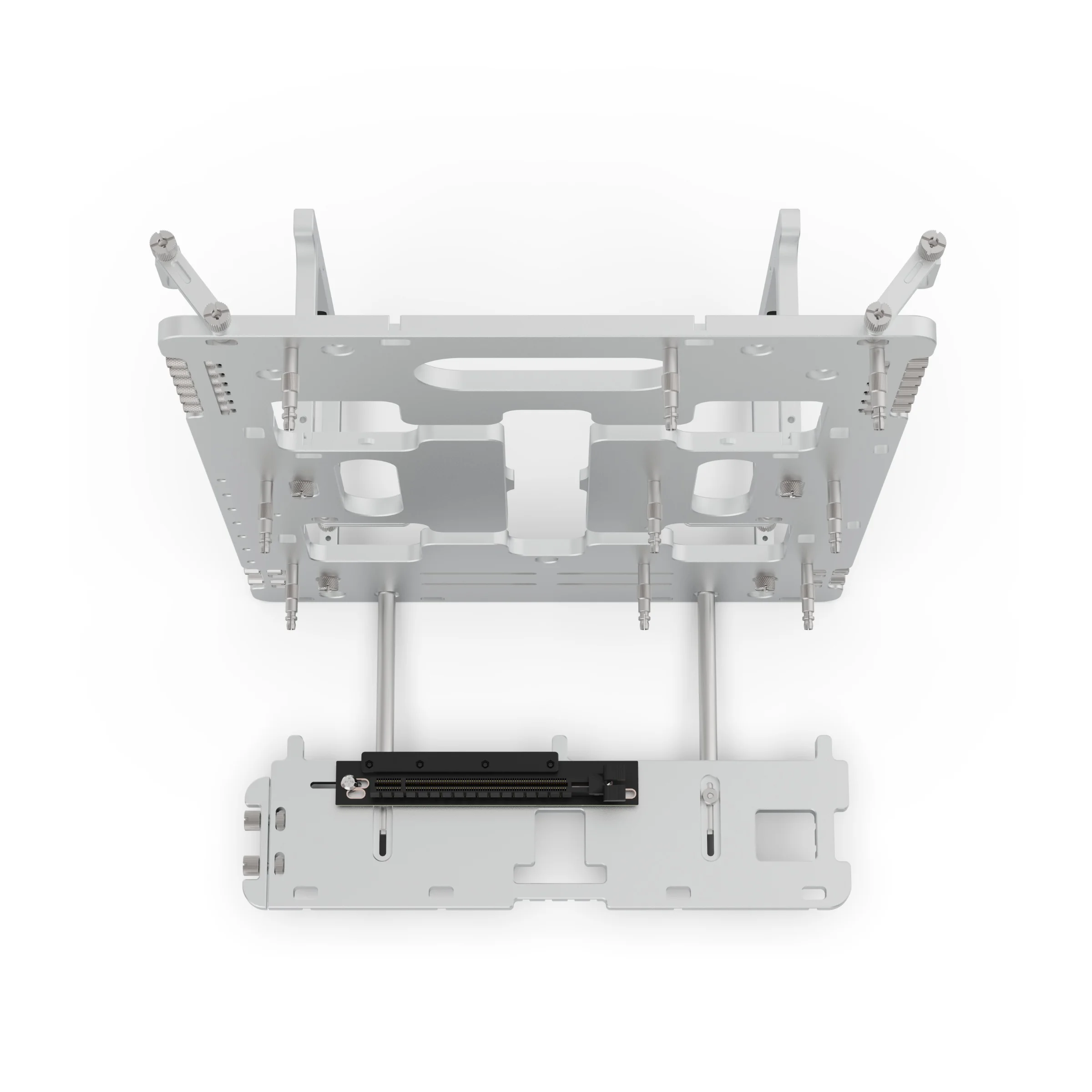
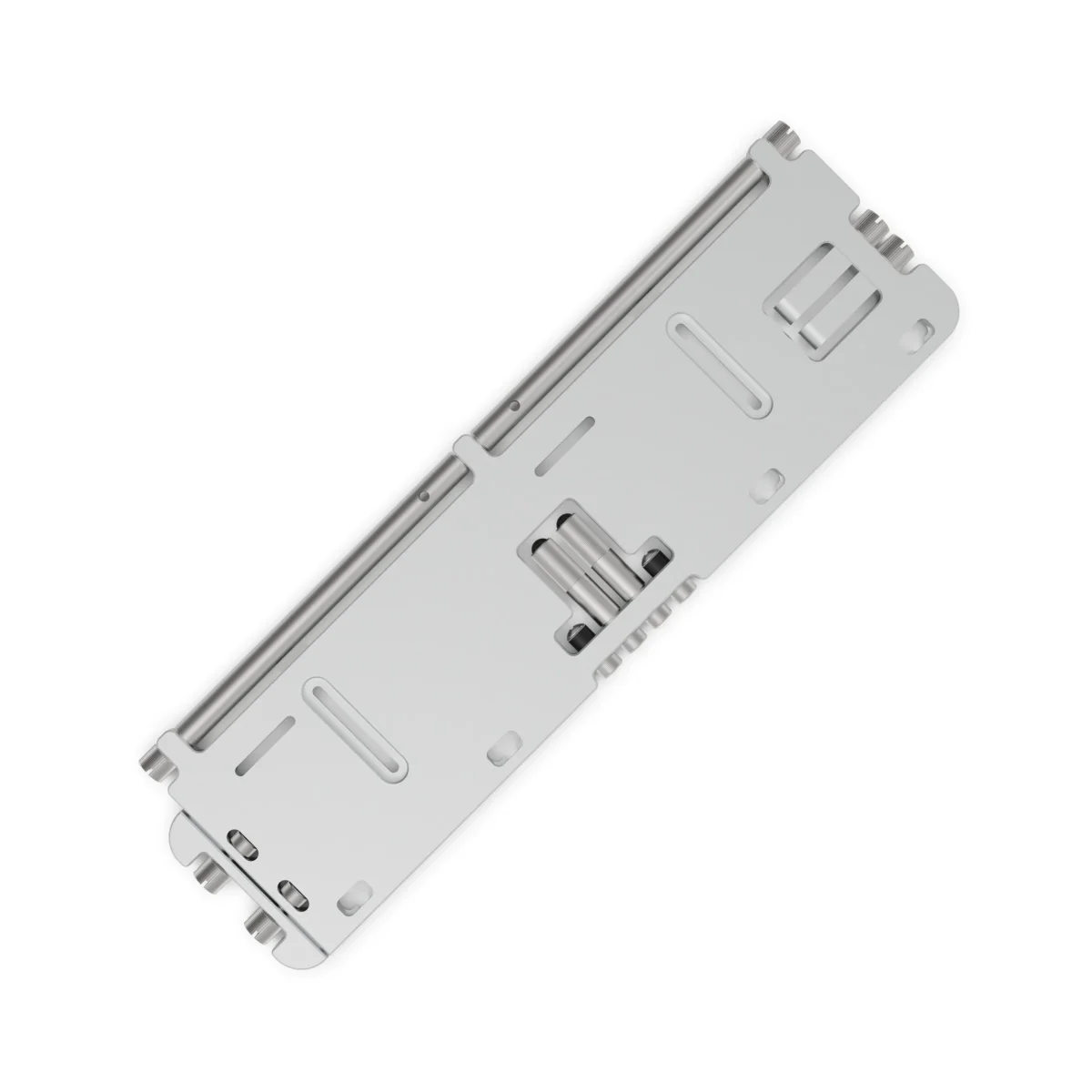
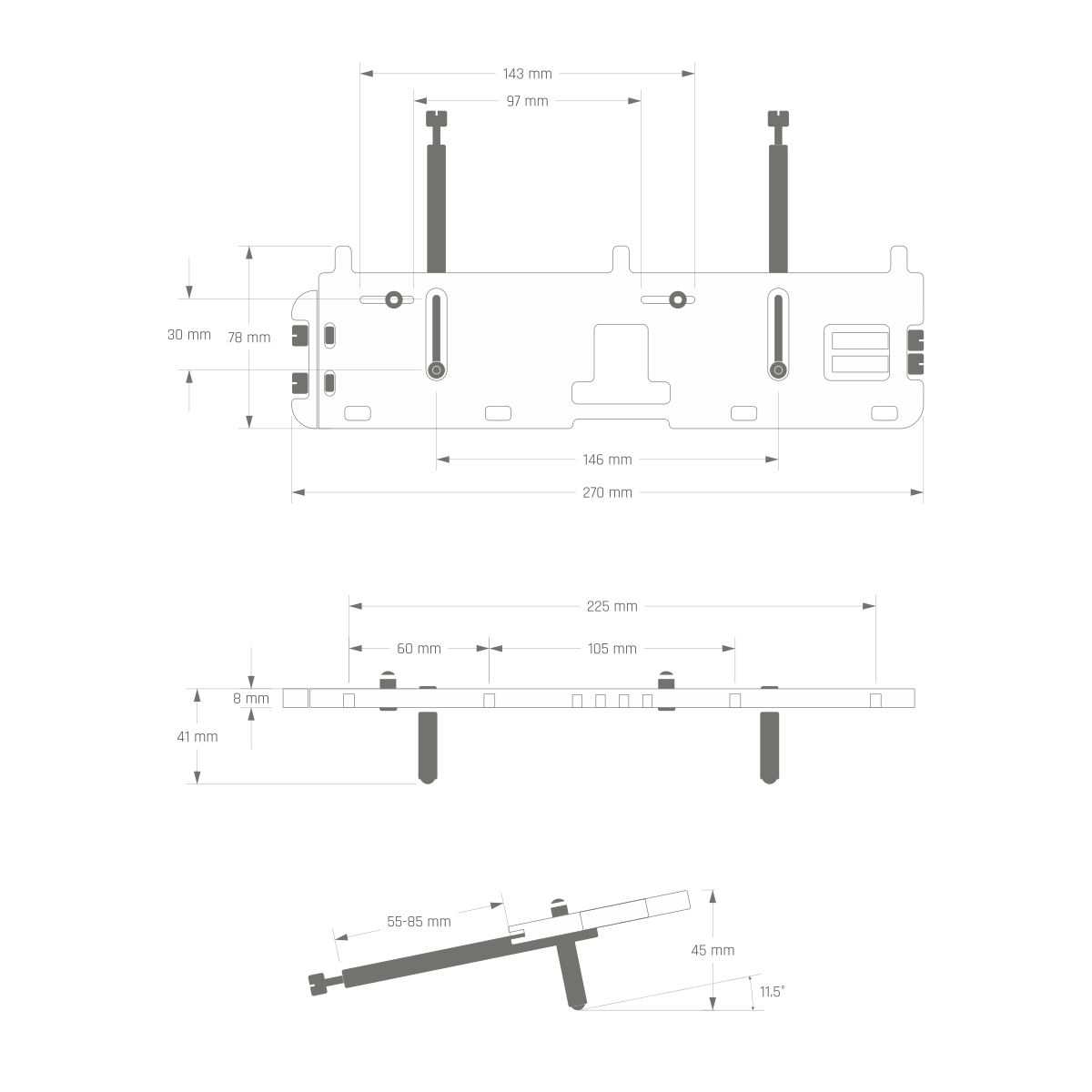
- What riser cable should I used with the BC1 VGPU Kit?Whilst we don't include a riser in the kit, we have designed the mounting to be compatible with most (if not all) riser cables, but it does need to have a 90 degree socket so that is can be attached to the base. A length of 18cm is suitable but longer cables can still be used (just need to account for the cable slack).
- What if I have a question that is not listed?If you can't find the information you need, please send us a message using the 'Get in Touch' link at the top right of the page, choose the appropriate department and we will respond with the relevant information.