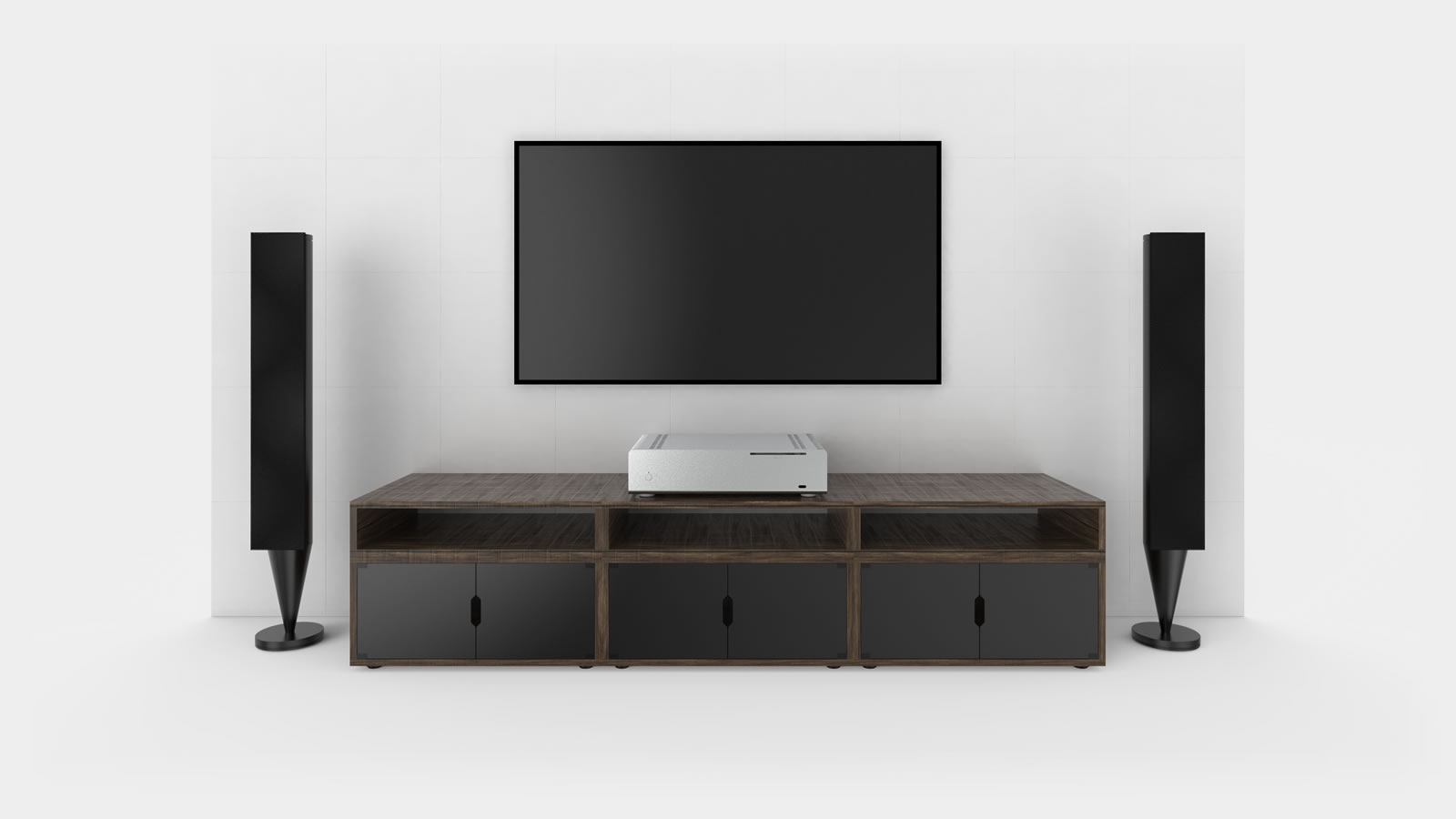
FC10 V2
Fanless HTPC / AV Style Case

The FC10 follows the same vision as the FC9, a stunning design that delivers new levels of compatibility and performance, but with a 435mm wide form factor that perfectly complements any home theatre setup. The all-aluminium sandblasted finish houses a multitude of features such as heat pipe Direct Touch cooling, universal optical drive eject button and a pivoting drive cage that makes assembly easier than ever. More than just a computer enclosure, the FC10 is a work of art that beautifully combines form and function.

It’s not easy to improve on the stunning design of the original FC10, so we didn’t, instead we focused on the performance and tweaked the finish of its beautiful exterior.

Internal airflow has been optimized with a revised bottom panel layout and drive tray, both of which also allow for more drives and the use of our new optical drive tray.
The expansion slots have been adjusted to accommodate dual slot cards and USB ports are now located on both side panels for easier access and balance.

As with all Alpha cases, we have improved manufacturing tolerances, introduced a new refined sandblast finish, USB3.0 is native, the power LED is now a subtle pure white, the heat pipes and mounts have been uprated, and it’s available with and without an optical drive opening.

What is true of the original FC10 can be said for the FC10 Alpha, its a work of art that beautifully combines form and function.

The original FC10 was launched in 2012 and was replaced by the V2 AKA the Alpha version

Features

EXTRUDED AND PRECISION MILLED PANELS
Unlike the majority of cases on the market (even the aluminium ones) the panels of the FC10 are constructed using a meticulous process of extruding aluminium profiles that are then precision milling, hand polishing, sandblasting and finished using anodizing. This give an ultra premium look, feel and finish to all the parts.
PERFECTLY SUITED FOR THE LIVING ROOM ENVIRONMENT
Designed with AV equipment in mind, with fanless (no noise) cooling subtle styling and illumination, optional optical drive and IR support, all wrapped in a beautiful premium aluminium sandblasted finish, the FC10 is the ideal platform for a high end HTPC system
X, Y & Z HEAT PIPE ADJUSTMENT
Whist our previous cases all feature an adjustable heat pipe mounting solution to accommodate for different motherboard CPU locations, the FC10 is also capable of overcoming tall components such as VRM cooling heat sinks when combined with the optional HT4. This option to raise the heat pipes above obstacles on the motherboard gives the FC10 a unique height adjustment allowing for greater motherboard compatibility.
WIDE RANGE OF HARDWARE SUPPORT
The FC10 has support for mini-ITX, Micro ATX and Full ATX motherboard and can accept the compact NanoPSU or ZF240 PSU solution. It also has a dedicated drive tray that can accommodate 3.5″ and 2.5″ drive, plus an optical version for slot-loading drives.

Reviews & Media Coverage

Hardware Journal
Written Review

Insgesamt macht das Streacom FC10 Alpha einen guten Eindruck und kann durch eine hohe Verarbeitung, gute Temperature-Werte und die lautlose.....

Singularity Computers
Video Review

A look at the ultimate HTPC case from Streacom, the FC10 Alpha. This is a 4mm thick full 6063 Alloy.....

Nikk Tech
Written Review

Streacom may not be one of the largest or most popular manufacturers of PC cases in the market today but.....

Technic 3D
Written Review

Mit Sicherheit handelt es sich bei dem FC10S um einen Exoten. Das „Fanless-Konzept“ passt sehr gut zum HTPC-Bereich und ermöglicht.....

Actualidad Hardware
Written Review

Tras probar la STREACOM FC10 hemos quedado realmente satisfechos tanto por su diseño, calidad de construcción así como por su.....

Benchmark
Written Review

Ode mnie Streacom FC10 otrzymuje zasłużoną ocenę: „Super produkt 5/5”. Taka ocena jest podyktowana wysoką jakością wykonania, odpowiednią wydajnością chłodzenia.....

AnandTech
Written Review

Describing the chassis itself as a thing of beauty would be an understatement. Our sample unit came in black (silver.....

    Support

    • This will depend on the motherboard used and type of power supply (i.e. the ZF240 or Nano). Below is table to show how many 3.5" drives can be fitted depending on the combination for hardware

       
      Motherboard ATX M-ATX M-ITX
      NanoPSU 0 x 3.5" 1 x 3.5" 3 x 3.5"
      ZF240 0 x 3.5" 0 x 3.5" 2 x 3.5"
    • As part of the cooler assembly, the heat pipes will pass over the motherboard to reach the side panel (heat sink). This means there can not be any tall components between the CPU and heat sink side of the case, however, there is an allowance for low-profile components on the motherboard. The actual gap is approximately 12mm but we suggest that any component under the heat pipe be 10mm or less.
    • Yes, the ZF240 is different from our NanoPSUs which don't occupy space outside of the motherboard. If you are planning to use the ZF240, please check the impact it will have on motherboard size here - ZF240 - Fanless PSU (under the usage tab)
    • There are a number of graphics cards on the market that are marketed as fanless and use integrated heat sinks to provide passing cooling for the GPU. The issue with these cards is that they are designed for use with 'typical' cases and depend on airflow from active cooling provided by the other fans installed in the case. As our cases tend to be very compact and do not provide any forced airflow, passive cards should not be used as they will likely overheat. If you do want to install a discreet GPU in a passively cooled case, it should be one that has specifically been designed for GPU cooling (such as the DB4), or modified to provide GPU cooling via the case heat sink.
    • The stock CPU mount supplied with the case is 56 x 56mm. Depending on the arm orientation, it can adapt to cooler mounting holes that are 80-90mm apart. The stock mount can not be used with CPUs that have cooler mounting holes less than 60mm apart.
    • There are really only 3 key points to check in order to determine if a motherboard is going to be compatible with the heat pipes (passive case cooling) .....
      1. CPU socket location - this is less of an issue these days as most motherboards have similar socket locations (other than thin-ITX) and as the heat pipes do have some adjustment, most motherboard will comply with this.
      2. CPU socket type - this should be one of the standard desktop sockets, not an embedded or server one type that will either be too small or too large for the CPU cooler mount.
      3. Component placement - probably the most common reason for a motherboard to not be compatible is the placement of components that might block the path of the heat pipes. Typically this will be VRM cooling heat sinks or plugs, but its easy to evaluate as there should be a clear path for the heat pipes to pass from the CPU socket to the side of the case (heat sink).
        Additional heat pipes are available for some cases to allow for different locations and the HT4 can be used to raise the heat pipes above some components
      1. LH4 - Compatible with the FC5, FC9, FC10
      2. SH8, MH1 - Compatible with the FC8
      3. HT4 - Compatible with the FC8*, FC9, FC10
      If you are unsure, just get in touch, send us a link to the motherboard you are considering and we will confirm its compatible.
    • In the past, CPU TDP was a measure of the maximum required cooling performance of a cooler to maintain the normal operating temperature of the CPU. With the advent of performance "boosting" technologies, the specified TDP is no longer an accurate representation of the required cooling performance, but more a baseline reference. When these technologies are enabled, CPUs can boost well above the specified TDP rating and they try to take advantage of thermal overheads. It is therefore important when choosing a CPU for a fanless case to consider the actual maximum TDP that the CPU can output. Wherever possible, aim for a CPU TDP that is below the case TDP rating or consider BIOS settings that will limit the CPU to the maximum TDP supported by the case.
    • The current CPU mount supplied with the case features adjustable arms that are compatible with the majority of current desktop sockets
      Intel® Socket
      • LGA775
      • LGA1366
      • LGA1155/6
      • LGA1150/1
      • LGA1200
      • LGA 2011-3*
      • LGA1700
      AMD® Socket
      • AM2 & 2+
      • AM3 & 3+
      • FM1
      • FM2
      • AM1
      • AM4
        Older units (pre-2019)
      Intel® Socket
      • LGA775
      • LGA1366
      • LGA1155/6
      • LGA1150/1
        AMD® Socket
      • AM1*1
      AMD® Socket
      • AM2 & 2+
      • AM3 & 3+
      • FM1
      • FM2
      • AM4*2
       
    • The FAQ section has been designed to replace that will allow us to more frequently update customers with any information that is useful. If there is anything missing, just let us know and we will add it.
    • Yes, the top panel can support a monitor up to 20kg in weight, just be careful not to scratch the surface :p

    Related Products, Accessories & Parts

    We are always here to help!

    Get in Touch